
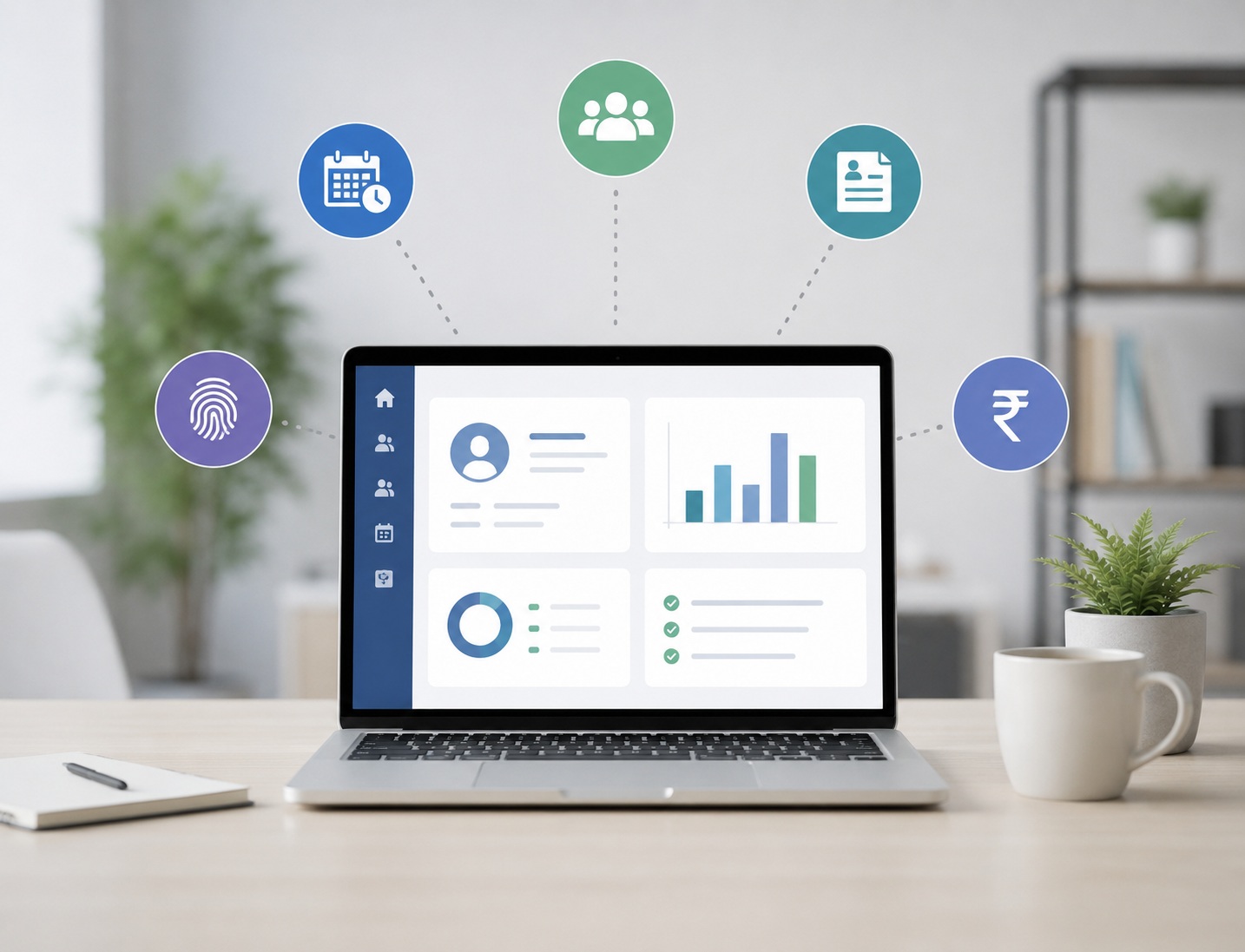
Purchasing an HR software no longer just pertains to keeping track of your employees’ data. For 2026, an HR software must enable your business in automating tasks, minimizing the human involvement, improving workforce supervision and also help business in their expansion process. Before deciding to buy the correct HR software for your business the critical task is to match it with your business needs rather than simply choosing what offers a vast number of features.
The core functions provided in today’s advanced HR software span around keeping records of employee details, tracking attendance, leave management, payrolls, employee recruitments, work performance, employee self-service systems, workforce management and analyses. Here are the 10 points smart shoppers evaluate before purchasing HR software:
1. Business Needs
While engaging HR software providers, thoroughly check to determine what kind of issues your HR department face currently.
Are you struggling with attendance tracking at your company?
Are payroll operations performed manually?
Do you struggle with managing employee details which are in numerous excels?
Are your managers in need of adequate visibility regarding the workforce?
Compile a list of the biggest issues along with your expected outcomes when evaluating different HR software solutions to determine a benchmark.
2. Essential HR Functions
An HR software should handle important HR work from a single interface. It should consist employee management (core information), attendance and leave modules, payroll service, employee documentations, employee onboarding facility and employee self-service tool.
A central system greatly reduces multiple entries and facilitates easy access for HR personnel and managers for the employees’ personal information.
3. Attendance & Workforce Management
It is much more problematic to handleattendance with remote workers, field workers, workers working in more than one workplace or employees working at flexible work hours.
It should be noted whether it has a mobile attendance facility, geographical verification options, geofencing, shift management tools, overtime management options, vacation monitoring system, and real-time attendance recordings to ensure that HR does not have to be burdened with all the work of a manual attendance system while ensuring accurate workforce information is available.
4. Payroll Automation
Accuracy in salary processing forms a major part of the selection of HR software and buyers should check that attendance, leave record, extra work hours, deductions and Salary related details get forwarded for payroll processing. Indian businesses need HR software support for all local statutes and payroll reports applicable to them, which simplifies work than having a manually created payroll in an excelsheet and reducing all associated errors.
5. Connectivity Options
The software of the HR cannot work in isolated fashion. In a business entity, employees most of the time are associated with Accounting software, HR CRM programs, Biometric data devices, Communication tool, etc.
Thus before making the payment check which connections the business solutions offer for other programs it uses (e.g., through the cloud (web-based), via API, or a file upload system). Better connections may reduce duplicated work and create employee data uniformity across all departments.
6. User-Friendliness
It means no matter how powerful HR software may be, people will not make use of it if the employees are in trouble with it and are not happy operating it. When the program is shown, consider each transaction process for a typical user, whether it is updating profile information, applying for leave or viewing a pay slip or approving something. User friendly systems tend to increase usage of software and at the same time will make the HR department work lesser and receive lesser query calls.
7. Artificial Intelligence and Automation
AI is becoming an influential portion of modern technology that handles HR. However, buyers shouldn’t fall into the trap of promotional material; check for what specifically AI can do in the package.
Can it identify behavioral patterns?
Will it improve the workflow for HR staff and save them from redundant work?
Is it a system users can approach with simple human language?
The best way to assess it is based on how business gains, rather than selecting based on “AI technology is part of the program”.
8. Data Safety & Confidentiality
Every HR program requires the handling of sensitive employees’ data, such as salary accounts, employee details (personal & professional), records of meetings and events etc.
Verify its user access control management, category of users defined and controlled, protection policy related to personal data, data backup policy, activity audit trails and secure data storage using cryptography technology, along with a data export facility and knowledge on the vendor’s data handling procedures if they are required toswitch platforms.
9. Adjustability & Capacity of Software
HR software should sustain long even as your firm extends.
Think of a few factors for what you expect: expected figure of employees in your team, more office areas, departments in future, workflow modifications and upcoming HR requirements; the capacity of your HR software would allow you to hire more employees and features without replacing your existing one. Also find out if you can customise its workflow, permissions, policies for attendance and report forms as per your business needs.
10. Fees, After-sales support & Implementation
Price shouldn’t be the final deciding issue. Figure out the total expenditure; be inclusive of setup expenses, salary based prices of employees, additional modules or software programs, extra connectivity and maintenance help. Inquire with the HR solutionprovider about how much the setup would cost and who will handle the data setup, along with the level of after-sales support provided; after-sales support is often more vital than the actual software for businesses. Current practices of selecting an HR software involve determining based on business needs, demonstrating each alternative using the relevant documents and proofs of their users, determining the time investment for implementation and its fit with the business for a better long term result, not only using the product advertisement.
How To Choose an HR Software For Your Company?
The HR software ideally suited for your business should address your most challenging HR issues and work with your future endeavors as well. The very first thing to do is understand the necessary business demands in writing, prepare a shortlist from suitable candidates and examine these solutions through actual business situation scenarios.
As opposed to searching for which HR software has too many options, instead query yourselves whether you wish for an HR software that save work hour and reduce mistakes while managing employees, but doesn’t overcharge.
A practical choice of HR software involves many points; among these are required features, operational simplicity, job automation, interconnection facility of other tools or software and data safety, capacity to adjust to new circumstances and pricing strategy. Also important are implementing the new software and continued maintenance support and everybody associated with the use of that system at every working day need to give their suggestions about the use.
Watch Now: CRM Platform for Smarter Field Team Management
Final verdict
To determine the finest HR software in 2026, a businesslike approach to selection is utmost crucial. It’s not about the minimum expense or maximum options available. It must fit the employees, simplify HR management, communicate properly with your existing applications and most critically safeguard employee data and facilitate business extension.
By screening these ten considerations prior to purchasing, you will achieve better HR software solution choices and have a stronger foundation in efficiently managing your employees.